


In today's digital landscape, online privacy has shifted from an optional luxury to an absolute necessity. With major tech conglomerates constantly tracking user activity, serving intrusive targeted advertisements, and building detailed profiles on everyday internet users, the demand for secure, privacy-centric web browsers has reached an all-time high. Enter Brave Private Web Browser—a revolutionary mobile and desktop browser engineered from the ground up to prioritize user privacy without compromising on speed or performance. In this comprehensive, in-depth review, we will examine everything Brave has to offer, analyzing its privacy architecture, core features, built-in ad-blocking capabilities, potential drawbacks, and whether it deserves to replace Google Chrome or Safari on your mobile device.
What Is Brave Browser and How Does It Work?
Brave is a free, open-source web browser developed by Brave Software, Inc., a company co-founded by Brendan Eich (the creator of JavaScript and former co-founder of Mozilla) and Brian Bondy. Built on top of the Chromium open-source engine—the same underlying engine that powers Google Chrome and Microsoft Edge—Brave offers familiar performance, rendering accuracy, and extension compatibility while completely stripping away Google's tracking code and telemetry.
Unlike traditional browsers that rely on third-party extensions to block unwanted content, Brave incorporates native security and anti-tracking tools directly into its core code. By automatically blocking advertisements, cross-site trackers, fingerprinting scripts, and invasive cookies before they even load, Brave creates a cleaner, significantly faster browsing experience right out of the box with zero configuration required from the user.
Brave Shields: The Core Privacy Engine
At the center of Brave’s security suite is a proprietary feature set known as Brave Shields. Represented by an iconic lion icon next to the address bar, Shields acts as an active digital barrier between your device and malicious or tracking elements across the internet.
Brave Shields automatically executes several crucial security functions simultaneously:
- Advanced Ad and Tracker Blocking: Brave aggressively blocks pop-ups, banner ads, auto-playing video ads, and background tracking scripts natively, preventing ad networks from monitoring your web behavior.
- Automatic HTTPS Upgrades: Whenever possible, Brave automatically upgrades unencrypted website connections (HTTP) to secure, encrypted connections (HTTPS) via its integrated HTTPS Everywhere protocol.
- Anti-Fingerprinting Protection: Device fingerprinting is a sneaky tracking technique where websites identify users based on unique hardware, browser, and font settings. Brave actively neutralizes these identification attempts by randomizing browser signatures.
- Cookie and Script Control: Users can customize their security preferences per website, choosing to block all third-party cookies, disable JavaScript entirely, or block cookie consent banners automatically.
Because these protections operate at the engine level rather than through secondary add-ons, webpage rendering is remarkably fast, and memory usage remains optimized.
Speed and Performance: The Data-Saving Advantage
One of the most immediate benefits users notice upon switching to the Brave Private Web Browser on mobile devices is a dramatic increase in page loading speed. Traditional mobile websites are often bloated with dozens of invisible tracking pixels, heavy analytics scripts, and resource-intensive ad networks. Loading these extra elements consumes significant battery power, processing capacity, and cellular data.
By preventing these unnecessary assets from downloading in the first place, Brave delivers page loading speeds up to three to eight times faster than standard mobile browsers. Furthermore, this aggressive blocking leads to substantial tangible savings:
- Reduced Data Usage: Skipping heavy video ads and high-resolution tracking graphics saves gigabytes of cellular data every month, making it an ideal browser for users on limited data plans.
- Extended Battery Life: Minimizing background JavaScript execution reduces CPU strain, resulting in noticeably lower battery consumption during extended browsing sessions.
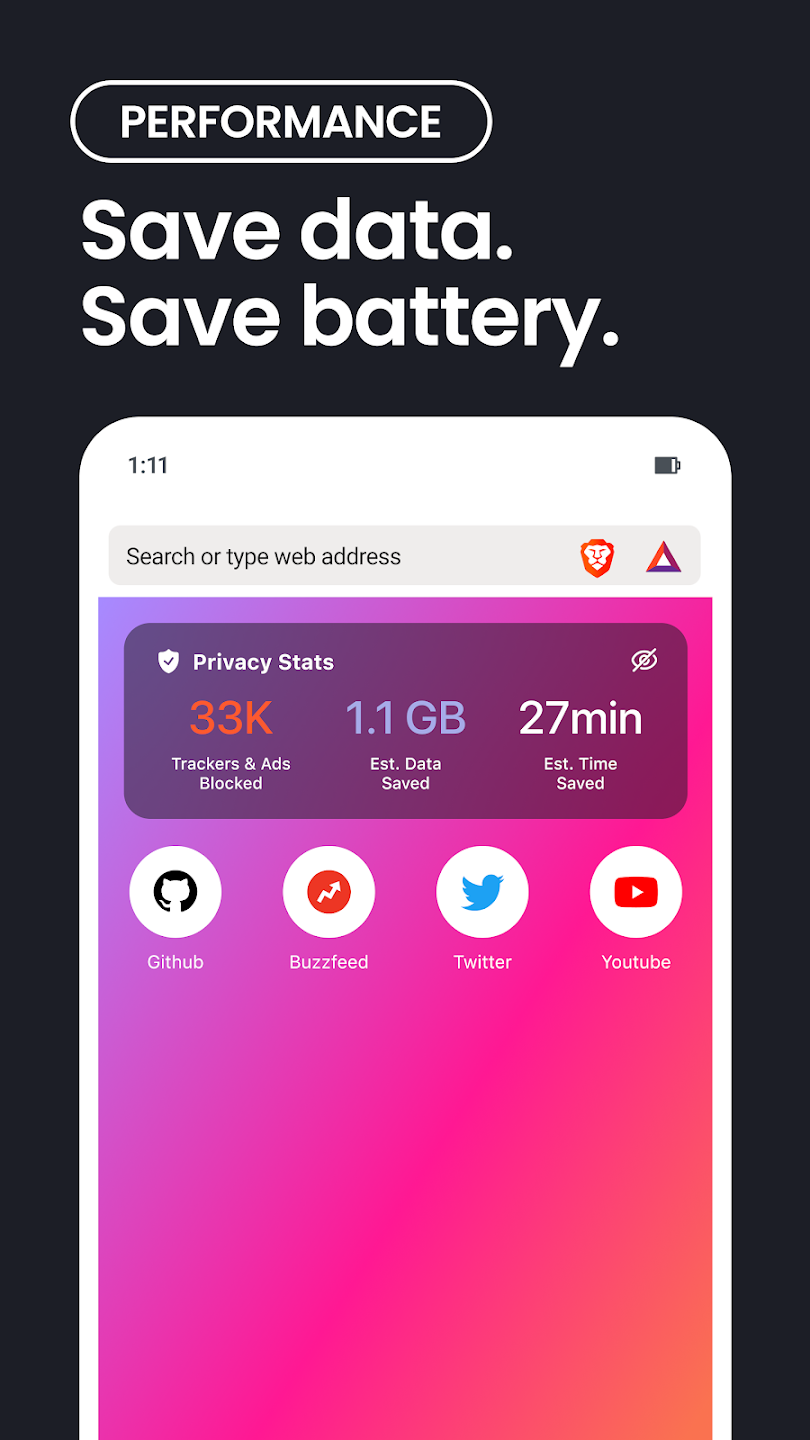
- On-Screen Statistics Dashboard: Brave features a real-time dashboard on its new tab page that displays the exact number of ads blocked, bandwidth saved, and estimated time saved through fast loading speeds.
The Web3 Ecosystem, Brave Rewards, and BAT
Brave introduces a unique economic model designed to fix the fundamentally broken digital advertising ecosystem. Instead of forcing users to endure invasive third-party ads or leaving content creators without revenue, Brave offers an opt-in system called Brave Rewards.
Here is how the Brave Rewards ecosystem functions:
- Privacy-Preserving Ads: Users who opt into Brave Rewards can choose to view privacy-respecting, first-party system notifications. These ads are selected using local, on-device machine learning rather than sending personal data to external servers.
- Earning Basic Attention Tokens (BAT): In exchange for viewing these respectful ads, users earn BAT—a utility cryptocurrency token built on the Ethereum blockchain.
- Supporting Content Creators: Users can set up automatic monthly contributions or send one-time BAT tips directly to verified publishers, YouTube creators, Twitch streamers, and websites they love, creating an ethical, direct-funding model.
- Integrated Web3 Wallet: Brave includes a native cryptocurrency and Web3 wallet directly inside the browser, enabling users to store, manage, and swap digital assets without installing risky third-party extensions.
Crucially, Brave Rewards is entirely optional. Users who have no interest in cryptocurrency can simply leave the feature turned off and enjoy a completely ad-free web experience.
Key Standout Features for Mobile and Desktop Users
Beyond privacy and speed, Brave offers a rich set of utility features designed to streamline daily browsing across mobile devices and computers:
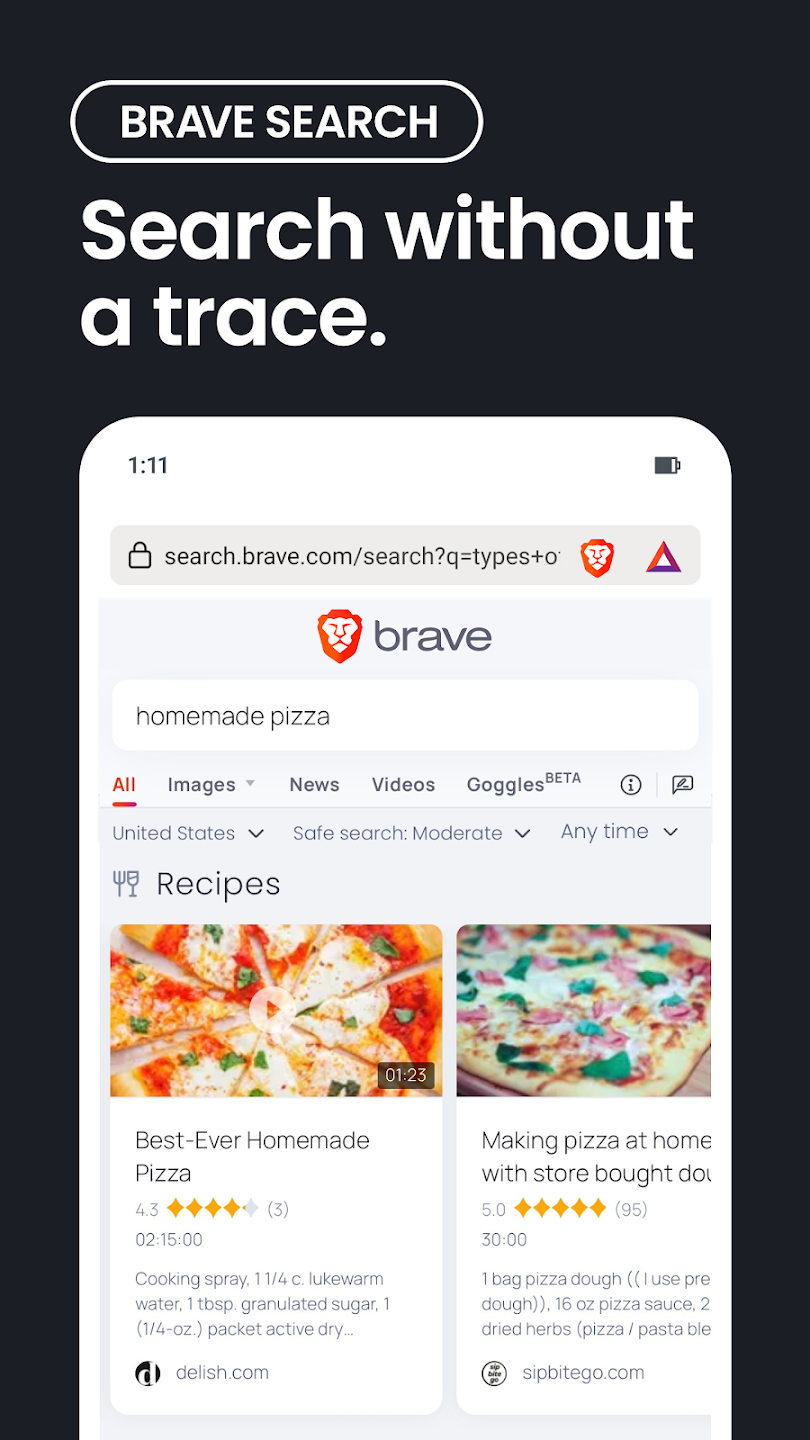
- Brave Search Integration: Brave operates its own independent search engine—Brave Search—which uses a completely private index rather than relying on Google or Bing, ensuring your search queries are never logged or sold.
- Brave Playlist (iOS & Android): A fan-favorite feature that allows users to add media, music tracks, and video links from sites like YouTube or Vimeo directly into an offline playlist for background playback without ads.
- Built-in Firewall and VPN: Available as a premium add-on, Brave offers a system-wide VPN and firewall powered by Guardian that encrypts all internet traffic leaving your mobile device, even outside the browser.
- Cross-Device Sync without Accounts: Brave Sync lets you securely link your bookmarks, history, passwords, and open tabs across desktop and mobile devices using an encrypted seed phrase without creating an account or providing an email address.
- Background Audio Playback: Allows videos and streams to continue playing in the background even when switching apps or locking your phone screen.
Honest Assessment: Advantages and Major Limitations
While Brave is undoubtedly a stellar application, a comprehensive review requires evaluating both its industry-leading advantages and its potential drawbacks.
Major Advantages:
- Out-of-the-Box Privacy: Requires zero technical knowledge or plugin setups to start blocking ads, trackers, and fingerprinting scripts instantly.
- Chromium Foundation: Enjoy full access to Chrome extensions, familiar developer tools, and flawless website compatibility with zero layout breakage.
- Unmatched Loading Speeds: Significant performance gains across both mobile networks and desktop hardware due to content blocking.
- True Multi-Platform Support: Sync seamlessly across Android, iOS, Windows, macOS, and Linux platforms effortless.
Noteworthy Limitations:
- Web3/Crypto Bloat: Features like BAT rewards, crypto wallets, and Web3 integrations can feel unnecessary or cluttered for non-crypto users (though they can be hidden).
- Occasional Website Breakage: Extremely aggressive anti-script blocking can occasionally break functional elements on certain complex banking or government websites (easily fixed by lowering Shields temporarily).
- Heavy Memory Footprint relative to Firefox: Because it is built on Chromium, it can still consume significant RAM on low-end hardware when running many tabs simultaneously.
How Brave Compares to Key Competitors
Understanding where Brave fits in the competitive browser landscape helps highlight its unique positioning:
- Brave vs. Google Chrome: Brave matches Chrome’s speed, layout, and extension library while eliminating Google’s extensive background data collection, user profiling, and memory-draining ad scripts.
- Brave vs. Mozilla Firefox: Firefox is another open-source, privacy-oriented titan. However, out of the box, Brave generally loads heavy pages faster and offers stronger default ad-blocking than stock Firefox without needing additional extensions like uBlock Origin.
- Brave vs. Apple Safari: Safari provides excellent battery efficiency and basic tracking protection on Apple devices, but Brave offers superior cross-platform synchronization (especially with Windows/Android) and much aggressive ad-blocking controls.
Final Verdict and Overall Rating
Brave Private Web Browser successfully proves that you do not need to trade speed, convenience, or modern features in exchange for robust online privacy. By taking the world-class rendering performance of Chromium and pairing it with an uncompromising, native security shield, Brave delivers an unmatched web experience that respects user dignity and system resources alike.
Whether you want to stop intrusive targeted ads, save mobile data, protect your personal identity from tracking networks, or simply enjoy faster webpage loading times, Brave is a top-tier application that deserves to be your default daily browser on both mobile and desktop platforms.